
DTC (Diagnostic Trouble Codes)
Diagnostic Trouble Codes allows to see error codes received via OBD compatible devices.
To access DTC, press  DTC menu item in top panel.

DTC (Diagnostic Trouble Codes) window will appear.
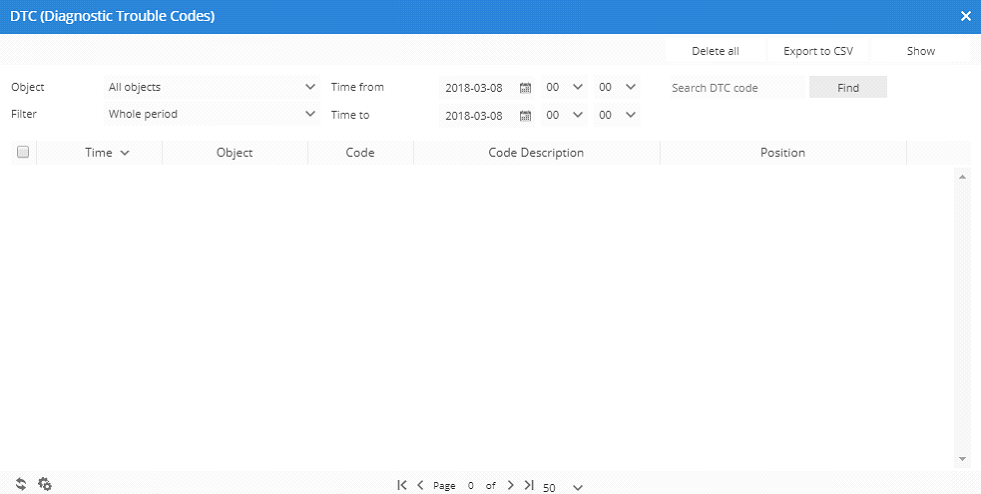
To remove multiple entries do next:
- Mark entries by clicking checkbox on the left.
- Proceed action in
 action menu located at the bottom of settings window.
 - Choose
 Delete.
 - Confirm action which will be applied to all selected items.