Control panel
Control panel allows to manage users, objects and most software settings. You are free to add/edit users, change user privileges, add/edit objects, set object expiration dates, change server name/logo, set billing and e-mail settings.
After login to Control panel you will see user list page. It allows to add/edit users, view user activity.
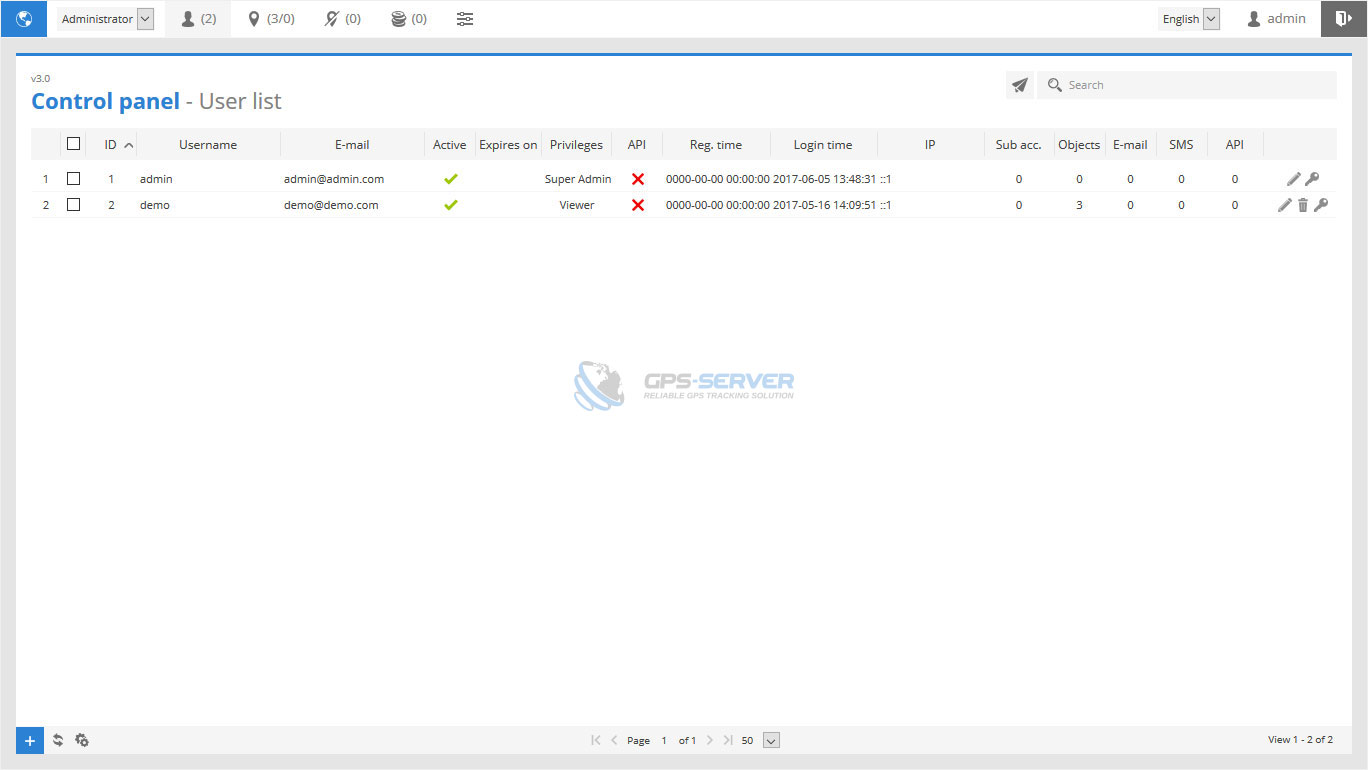
 edit - change object settings.
 remove - permanently removes object.
 login as user - directly login to user account.
To perform actions to multiple entries do next:
- Mark objects by clicking checkbox on the left.
- Proceed action in
 action menu located at the bottom of window.
 - Choose option
 Activate,
  Deactivate,
  Set expiration or Delete.
 - Confirm action which will be applied to all selected objects.
Mass mail
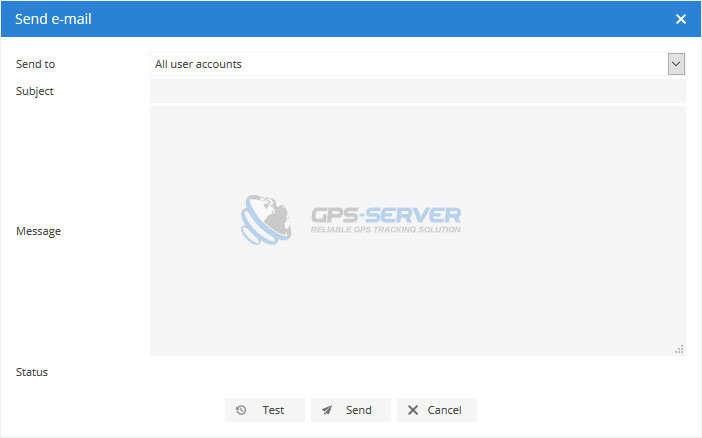
Mass mail feature allows to send e-mail messages to particular or all users.
To send e-mail to multiple users do next:
- In object list top right corner (near search field) press
 Send e-mail.
 - Send e-mail windows will appear.